DIY CCTV Kit or Professional Installation? An Honest Comparison
When a plug-in camera kit is a weekend job and when a wired system needs an installer, with real costs, time, tools and the mistakes that matter.
Camera kits in a box promise home security in an afternoon, and some of them deliver. Others leave people with cameras pointing at the sky, cables fraying in the rain and a recorder that stopped saving footage weeks before the one night it mattered. The truth is that some CCTV systems are genuinely do-it-yourself jobs and others are not, and the difference has more to do with cabling, mounting height and power than with the cameras themselves. This guide compares DIY kits and professional installation honestly, with real costs from our catalogue, so you can decide which suits your home or shop and where a little help is worth paying for.
Key points
- Wi-Fi camera kits with plug-in power are realistic DIY projects for anyone comfortable on a ladder.
- Wired HD and IP systems need cable runs, weatherproof joints and a recorder setup, which is where most DIY problems start.
- Installation labour adds a modest share to a wired kit’s cost and brings correct mounting, tidy cabling and a working app.
- The most common DIY mistakes are poor camera angles, weak Wi-Fi at the camera, unprotected outdoor joints and a recorder that is not actually recording.
- A middle path works well: buy the kit, then pay for setup or a site survey only.
What counts as a DIY kit?
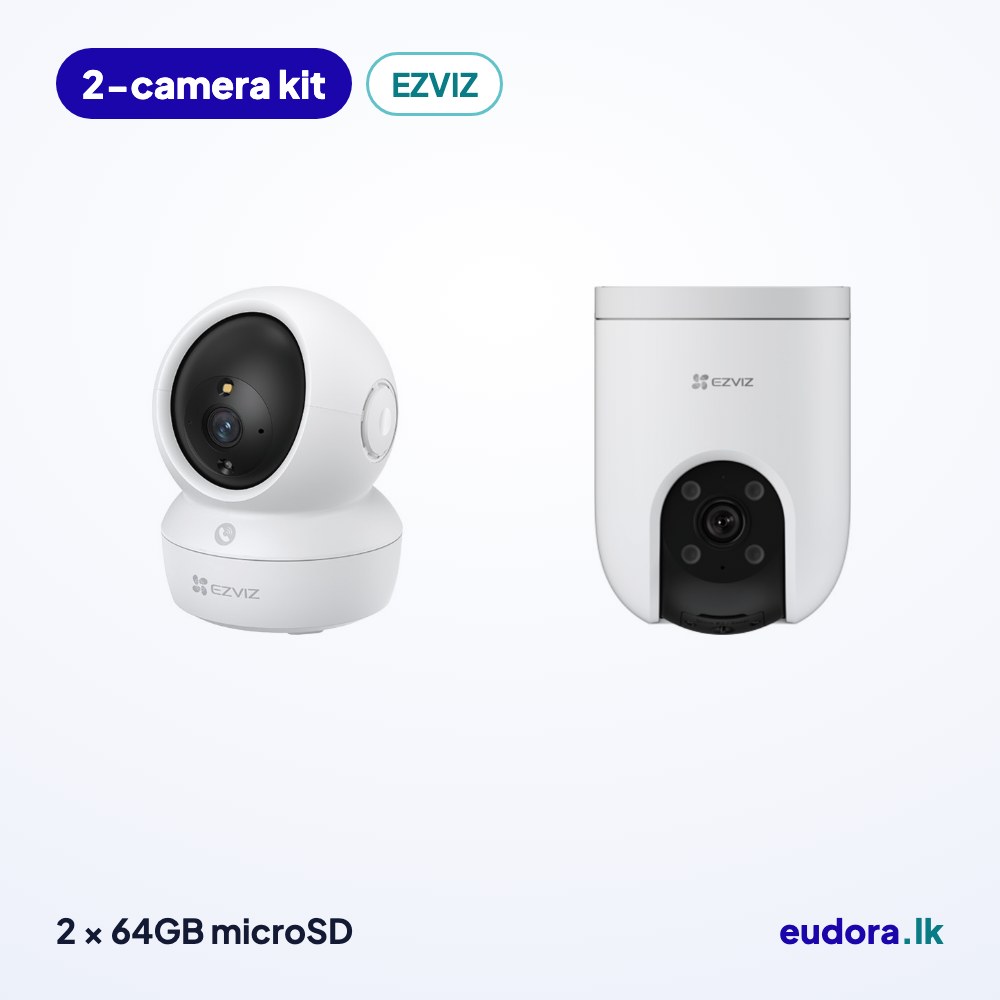
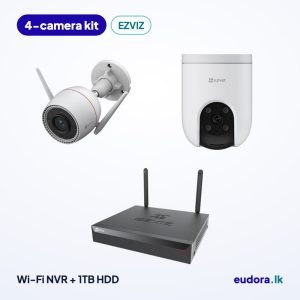
There are two quite different kinds of kit. Wi-Fi kits, such as the EZVIZ 2-camera home kit at Rs 31,600, use cameras that plug into a nearby power socket and connect to your home Wi-Fi. Setup happens in a phone app, and recording goes to a memory card in each camera or to cloud storage. The EZVIZ 4-camera outdoor kit at Rs 92,300 adds a wireless recorder that stores footage from all cameras on one hard drive.
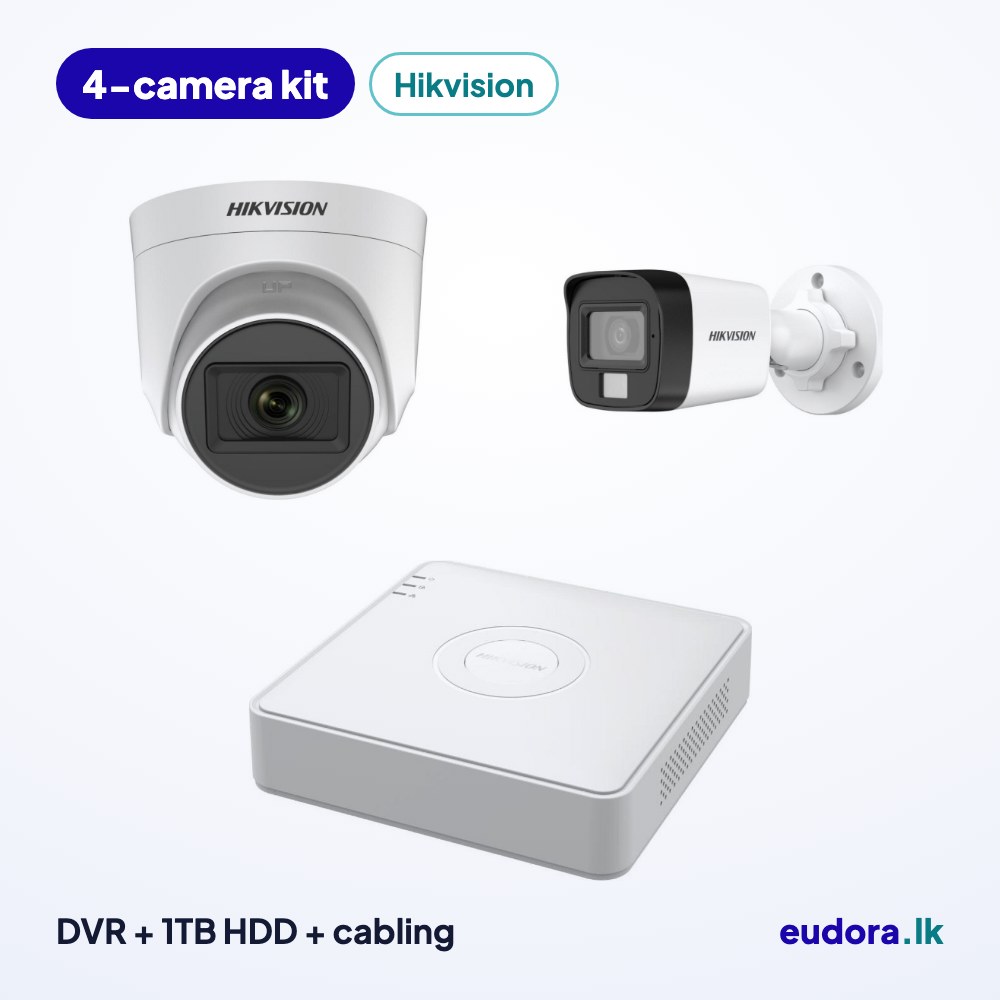
Wired kits, such as the Hikvision 4-camera Turbo HD 2MP kit at Rs 79,300, connect each camera to a recorder by cable, which carries both video and power. The 4-camera 2MP IP PoE kit at Rs 97,900 does the same with network cable and a PoE recorder. Wired systems are more reliable and do not depend on Wi-Fi, but each camera needs a cable run back to the recorder, often 20 to 50 metres through ceilings and along walls.
Plan before you buy
Whether you install the system yourself or not, ten minutes with a sketch of the property saves money. Walk around the outside and mark the places someone would approach: the gate, the front door, the back door, the side passage and any ground-floor windows out of sight of the road. Each of those needs a camera that sees a face, not just movement. Then mark where the recorder or Wi-Fi router sits and estimate the cable route from each camera to it, going up and along walls rather than in a straight line. Note where power sockets are for Wi-Fi cameras and where it gets dark at night with no street light.
With that sketch you can count the cameras you need, choose between Wi-Fi and wired, and see whether the cable runs are short and simple or long and awkward. Short, simple runs to two or three cameras suit DIY. Five or more cameras, long runs or a two-storey building usually justify an installer, or at least a site survey first.
The real cost of each option
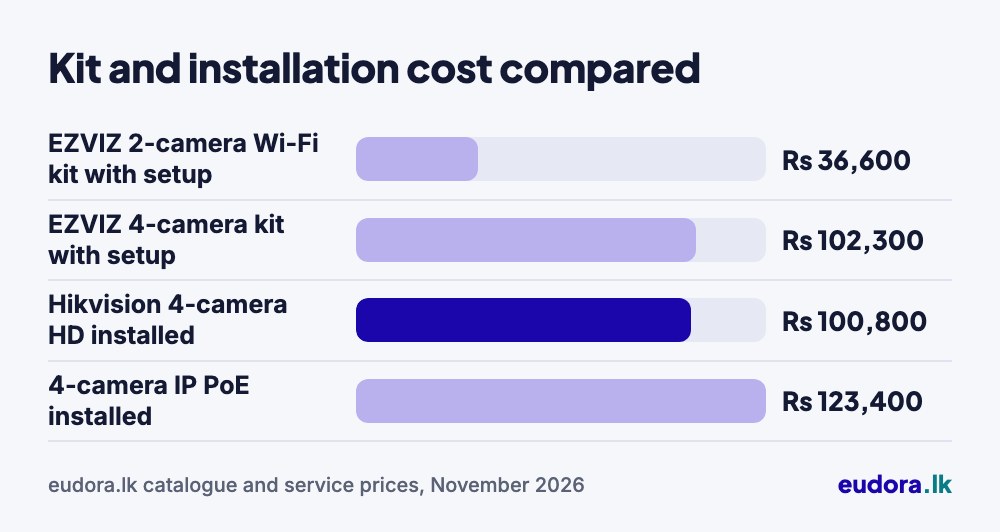
| System | Kit price | Installation and setup | Total |
|---|---|---|---|
| EZVIZ 2-camera Wi-Fi kit | Rs 31,600 | DIY, or setup for 2 cameras | Rs 36,600 with setup |
| EZVIZ 4-camera Wi-Fi kit with recorder | Rs 92,300 | DIY, or setup for 4 cameras | Rs 102,300 with setup |
| Hikvision 4-camera Turbo HD 2MP | Rs 79,300 | Rs 21,500 for 4 cameras and recorder | Rs 100,800 |
| 4-camera 2MP IP PoE | Rs 97,900 | 4 IP cameras and NVR setup | Rs 123,400 |
For a wired four-camera system, installation of Rs 21,500 is a modest addition to the kit price. Cable beyond what the kit includes, conduit, junction boxes and surge protection are extra and depend on the building. Our CCTV installation cost guide breaks these down.
Where DIY works well
Wi-Fi cameras are a fair DIY project if three things are true: each camera position has a power socket within reach of the cable, the home Wi-Fi signal is strong at each camera, and you are comfortable drilling a few holes and working on a ladder. An indoor camera on a shelf is a five-minute job. An outdoor camera under the eaves takes about an hour once you include mounting, routing the power lead neatly and setting up the app.
DIY also suits renters, people who may move, and anyone who wants to start with one or two cameras and add more later. Battery cameras go further: no power cable at all, recharged every few weeks or kept topped up by a small solar panel. Our guide to battery versus plug-in Wi-Fi cameras compares the two.
Tip: Before mounting an outdoor Wi-Fi camera, stand at the camera position with your phone and run a speed test. If it shows less than about 2 megabits per second upload, the camera will struggle; add a mesh node or range extender first. Our guide to 2.4GHz and 5GHz Wi-Fi for smart devices explains why most cameras use 2.4GHz.
Where a professional is worth it
Wired systems are where installation skill shows. The work involves planning cable routes, pulling cable through ceilings and conduit, terminating connectors or baluns, making weatherproof joints outdoors, mounting cameras at the right height and angle, and configuring the recorder for motion detection, recording schedules and remote viewing. None of it is difficult for an experienced installer, but each step has ways to go wrong that only show up later.
- Two-storey buildings and high walls: mounting above 3 metres safely needs proper ladders or scaffolding.
- Long cable runs: over 40 or 50 metres, cable quality and connections decide whether the picture is clear at night.
- Shops and offices: business systems usually need more cameras, a lockable recorder cabinet and staff access.
- Lightning-prone sites: surge protection and earthing are best done by someone who does it every week.
- Insurance requirements: some policies ask for professionally installed systems.
The DIY mistakes we fix most often
Most of the call-outs we get for DIY systems come down to a short list of problems. Each one is easy to avoid if you know about it.
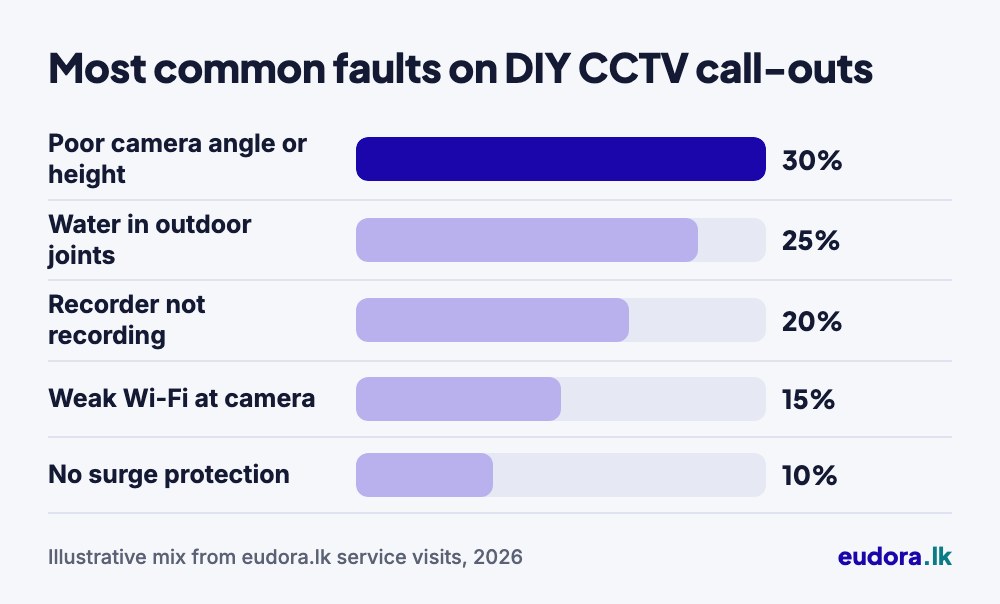
Cameras mounted too high or too wide. A camera on the roof line sees the tops of heads. Mount entrance cameras at about 2.5 to 3 metres and aim them so faces fill a meaningful part of the frame. Our guide on where to place CCTV cameras covers each position.
Unprotected outdoor joints. A connector left loose under the eaves fills with water in the first monsoon, and the picture fails at night. Use a waterproof junction box for every outdoor joint.
Recording not set up. A recorder showing live pictures is not necessarily recording. Check the hard drive is formatted, the recording schedule is on, and playback works for yesterday.
No surge protection. A lightning strike nearby can take out the recorder and every camera on long outdoor runs. A surge protector costs little compared with replacing the system.
Weak passwords and old firmware. Change the default password, turn on two-step verification in the app, and update the recorder firmware.
A middle path: buy the kit, pay for setup
Many customers buy a kit and do the parts they are comfortable with, then pay for the rest. Common options are a free site survey (Rs 0) to plan camera positions and cable routes before buying, Wi-Fi camera mounting and app setup at Rs 2,500 per camera, or DVR and NVR setup with mobile viewing at Rs 3,500 for someone who has run the cables but wants the recorder configured properly.
Whichever route you take, plan for upkeep. Cameras need cleaning, recorders need firmware updates and hard drives eventually fail. Our CCTV maintenance checklist covers a simple routine, and our CCTV services page lists installation and maintenance options.
-
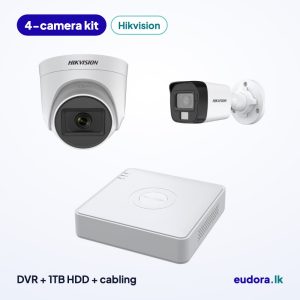 KitHikvision
4-Camera 2MP HD CCTV Kit (Hikvision Turbo HD)
Rs 79,300 Add to cart -
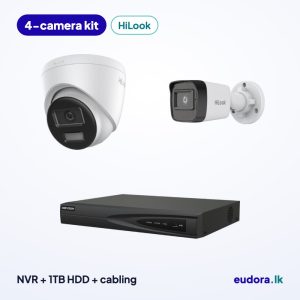 KitHiLook
4-Camera 2MP IP PoE CCTV Kit (Hikvision / HiLook)
Rs 97,900 Add to cart -
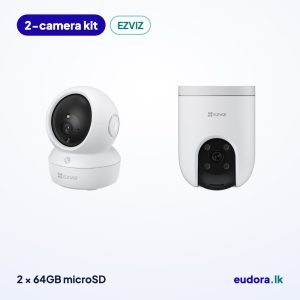 KitEZVIZ
2-Camera EZVIZ Wi-Fi Home Kit (Indoor + Outdoor)
Rs 31,600 Add to cart -
 KitEZVIZ
4-Camera EZVIZ Wi-Fi Outdoor Kit with Recorder
Rs 92,300 Add to cart
Warranty and support
Hardware warranty applies whether you install the system yourself or not, but damage from incorrect installation, such as water in connectors or a power supply connected the wrong way, is usually not covered. A professionally installed system typically includes a workmanship guarantee, so if a connection fails or a camera slips out of position, the installer returns to fix it. Keep your invoice and note the date the system was installed.
Frequently asked questions
Can I install a wired CCTV kit myself?
Yes, if you are comfortable running cable through ceilings and making weatherproof outdoor connections. Many people install the cameras and cabling and pay only for recorder setup.
How long does a professional installation take?
A typical four-camera wired system in a single-storey house takes most of a day, including cabling, mounting and recorder setup.
Are Wi-Fi kits as reliable as wired systems?
They are reliable when Wi-Fi is strong at every camera. Wired systems are steadier because they do not depend on Wi-Fi.
Do I need internet for CCTV?
Not for recording to a DVR, NVR or memory card. Internet is needed for viewing on your phone and for cloud storage.
Will a DIY installation affect the warranty?
The hardware warranty still applies, but damage caused by incorrect installation is usually excluded.

Eudora Technology is a Kandy-based team working on CCTV, networks, IT support, cloud and websites for homes and businesses across Sri Lanka.