Memory Cards and USB Flash Drives: How to Read the Labels and Choose the Right One
Class 10, U3, V30, A2: memory card labels are confusing. What the markings mean, which card suits phones, cameras, dashcams and CCTV, and when a flash drive is the better choice.
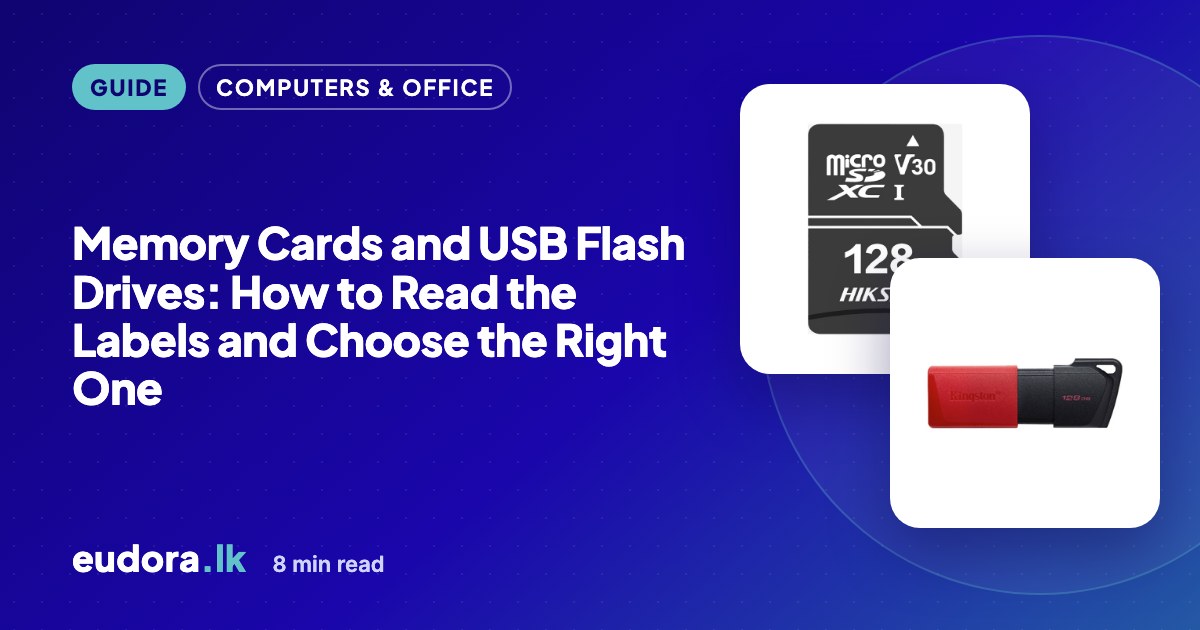
Memory cards and USB flash drives are among the least expensive and most used storage products in any home or office. They hold phone photos, dashcam footage, documents carried between computers and recordings from Wi-Fi cameras. They are also among the most confusing products to buy, with labels covered in symbols such as Class 10, U1, U3, V30 and A2. Pick the wrong card and a dashcam skips footage or a phone stutters; buy a fake and you can lose everything on it. This guide explains what the markings mean, which card suits which device and how to make cards and flash drives last.
Key points
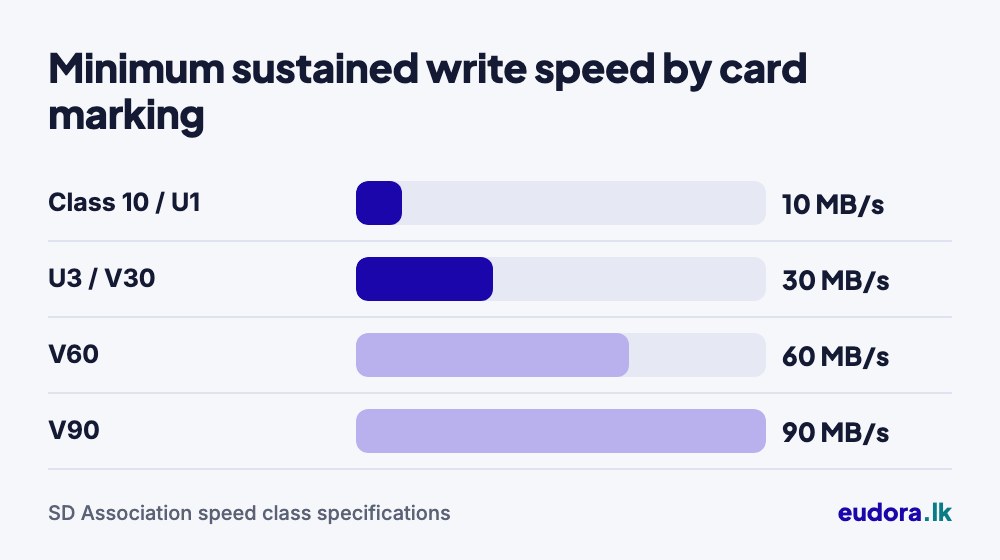
- Speed markings show the minimum sustained write speed: Class 10 and U1 mean 10MB/s, U3 and V30 mean 30MB/s.
- The headline “up to” figure on the packet is usually the read speed, which matters less than the minimum write speed for recording video.
- Phones and tablets benefit from the A1 or A2 app performance marks; dashcams and security cameras need endurance and a reliable write speed.
- Buy from a known seller: fake cards that report a larger capacity than they hold are common and lose data silently.
- Memory cards and flash drives are for moving and capturing data, not for keeping the only copy of anything important.
What the markings mean
The SD Association, which sets the standards for SD and microSD cards, defines several overlapping speed ratings. Each sets a minimum sustained write speed, the speed the card must be able to keep up while recording. The table below shows them together.
| Marking | Minimum sustained write | Typical use |
|---|---|---|
| Class 10 (C10) | 10 MB/s | Full HD video, phone storage, general use |
| UHS Speed Class 1 (U1) | 10 MB/s | Full HD video |
| UHS Speed Class 3 (U3) | 30 MB/s | 4K video, high bit rate recording |
| Video Speed Class V30 | 30 MB/s | 4K video in cameras and drones |
| Video Speed Class V60 / V90 | 60 / 90 MB/s | Professional 4K and 8K cameras |
| App Performance A1 / A2 | Random read and write performance | Phones and tablets that run apps from the card |
Two other labels appear on most cards. The capacity type, SDHC for cards up to 32GB and SDXC for cards from 64GB to 2TB, tells you whether an older device can read the card. The bus marking, UHS-I or UHS-II, describes the interface; UHS-I is standard for microSD cards used in phones, dashcams and Wi-Fi cameras.
Read speed versus write speed
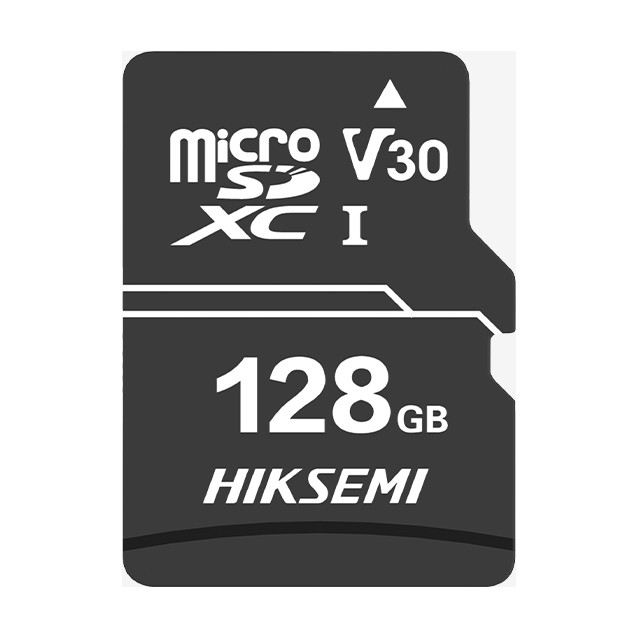
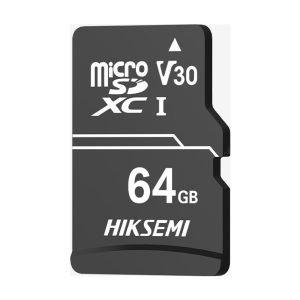
The large number printed on a card, such as “up to 92MB/s” on the HIKSEMI NEO, is usually the maximum read speed under ideal conditions. Read speed affects how fast you can copy files off the card. The HIKSEMI NEO is rated at up to 55MB/s write, and its Class 10 and UHS-I markings promise at least 10MB/s sustained write, which is what a camera relies on while recording. For video, always check the speed class first and the headline number second.
Choosing a card for your device
| Device | What it needs | Suggested capacity |
|---|---|---|
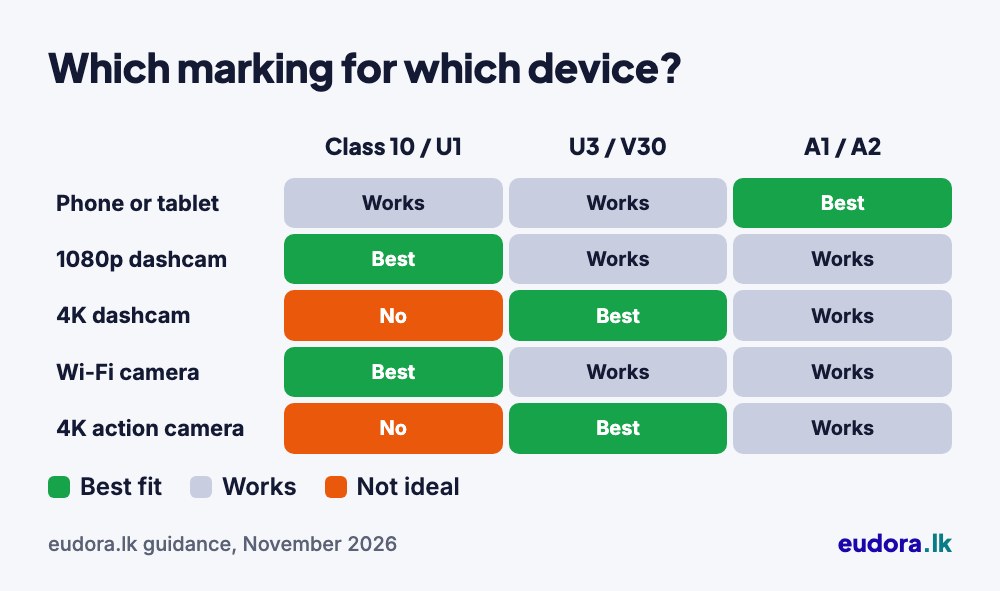
| Android phone or tablet | A1 or A2 for apps; Class 10 minimum | 64 to 128GB |
| Dashcam | Class 10 or U3, high endurance, wide temperature range | 64 to 128GB |
| Wi-Fi camera (indoor or outdoor) | Class 10, endurance for continuous recording | 64 to 128GB |
| Action camera or drone at 4K | U3 and V30 minimum | 128GB or more |
| Digital camera (full-size SD) | U3 / V30 for 4K video | 64 to 256GB |
| Raspberry Pi or small computer | A1 or A2 for responsiveness | 32 to 64GB |
Dashcams and security cameras deserve special care because they write continuously, overwriting the oldest footage in a loop. That steady writing wears flash memory far faster than occasional phone use, and a car parked in the Sri Lankan sun can reach temperatures that stress ordinary cards. Look for a card with a wide operating temperature range: the HIKSEMI NEO is rated from 0 to 70 degrees Celsius. Replace dashcam and camera cards every year or two, or sooner if the device reports errors.
Tip: Format a new card in the device that will use it, not on a computer. Cameras and dashcams set up the card’s file system the way they expect, which avoids recording errors.
How much does capacity cost?
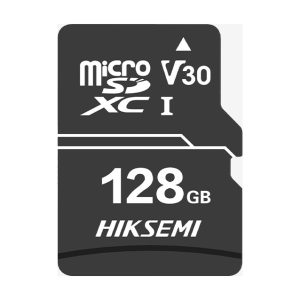
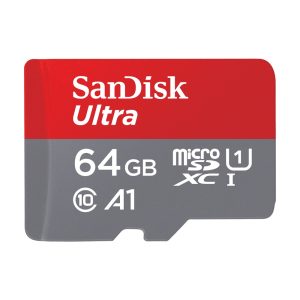
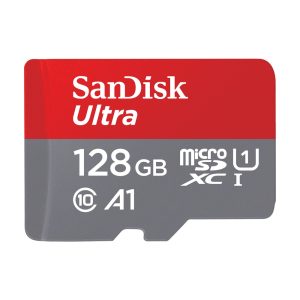
Larger cards usually cost less per gigabyte. At eudora.lk the 64GB HIKSEMI NEO costs Rs 4,900, about Rs 77 per gigabyte, while the 128GB version costs Rs 8,100, about Rs 63 per gigabyte. The SanDisk Ultra costs Rs 5,500 at 64GB and Rs 9,100 at 128GB. For a dashcam or camera, 128GB holds several days of looped footage before overwriting begins, which gives you time to save a clip after an incident.
| Recording | Approximate storage per hour | Hours on 128GB |
|---|---|---|
| Wi-Fi camera, 1080p, H.265 | About 1GB | About 120 |
| Dashcam, 1080p | About 4 to 6GB | About 20 to 30 |
| Dashcam, 2K or 4K | About 8 to 12GB | About 10 to 15 |
| Action camera, 4K | About 25 to 45GB | About 3 to 5 |
These are rough figures; the actual rate depends on the bit rate, compression and how much movement is in the scene. Check your device’s settings for its recording quality and loop length.
USB flash drives
A USB flash drive is the simplest way to move files between computers, carry a presentation or create a Windows installer. Two things matter most: the interface and the build. USB 3.2 Gen 1 drives, such as the Kingston DataTraveler Exodia range, are several times faster than older USB 2.0 drives when plugged into a blue or USB 3 port. A cap or moving cover protects the connector, and a key loop makes the drive harder to lose.
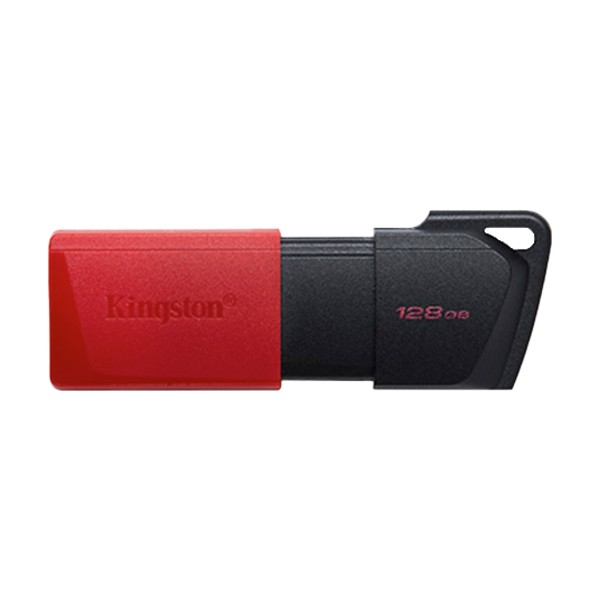
The Kingston DataTraveler Exodia Onyx 64GB costs Rs 2,400 and the Exodia M 128GB costs Rs 3,600. For larger files, regular backups or video editing, a portable SSD is far faster and more durable; our comparison of portable SSDs and external hard drives covers that choice.
Card readers and adapters
Most laptops no longer include an SD card slot, and very few include a microSD slot. The simplest way to copy footage or photos off a card is a USB card reader or a USB-C hub with built-in SD and TF (microSD) slots. The UGREEN CM195 7-in-1 hub, for example, adds SD and microSD readers alongside HDMI, USB ports and charging pass-through, so one accessory handles cards, displays and drives. Full-size SD adapters supplied with many microSD cards also let you use a microSD card in a camera or laptop SD slot.
When copying a large amount of footage, connect the reader to a USB 3 port rather than an older USB 2.0 port; the difference in speed is several times over. And copy files before deleting them from the card, then check that the copies open, before reusing the card. Our guide to USB-C hubs and docking stations explains how to choose a hub with the right card readers and ports.
Spotting fake cards and drives
Counterfeit memory cards and flash drives are sold widely online and in markets. The most dangerous kind reports a large capacity, such as 256GB, but holds only a fraction of that. Files appear to save normally until the real capacity is exceeded, after which data is silently corrupted.
- Buy from established sellers that offer a warranty.
- Be suspicious of prices far below the market rate for that capacity.
- Check packaging for poor printing, spelling mistakes or missing details.
- Test a new card with a capacity checking tool such as H2testw before trusting it.
- Compare the weight and markings against the manufacturer’s product photos.
Making cards and drives last
Flash memory has a limited number of write cycles and is sensitive to heat, static and physical damage. A few habits extend its life and protect your files.
- Eject flash drives and cards safely before removing them.
- Keep cards in a case away from heat, moisture and magnets.
- Copy important photos and files to a computer or cloud storage promptly.
- Replace cards that report errors rather than reformatting them repeatedly.
- Do not use a single card or flash drive as the only copy of important data.
That last point matters most. Cards and flash drives are small, easy to lose and fail without warning. Our guide to the 3-2-1 backup rule explains how to keep important files safe, and our article on SSD and memory prices in 2026 covers how flash prices are moving this year.
Frequently asked questions
Is Class 10 good enough for a dashcam?
For Full HD dashcams, a quality Class 10 or U1 card is usually enough. For 2K or 4K dashcams, choose U3 or V30, and pick a card rated for high temperatures and continuous recording.
What does A2 mean on a microSD card?
A2 is an app performance rating for random reads and writes. It helps phones and tablets that install or run apps from the card, but makes little difference for cameras.
Why does my 128GB card show less space?
Manufacturers count 1GB as 1,000 million bytes, while computers count in binary units and the file system uses some space, so a 128GB card typically shows about 119GB available.
How long does a memory card last?
In a phone, many years. In a dashcam or security camera that records constantly, plan to replace it every one to two years.
Are flash drives good for backups?
Only as a short-term extra copy. For regular backups, use an external drive or portable SSD together with cloud storage.

Eudora Technology is a Kandy-based team working on CCTV, networks, IT support, cloud and websites for homes and businesses across Sri Lanka.