USB-C and GaN Chargers: One Charger for Your Phone, Tablet and Laptop
USB-C is now the standard charging port for phones and laptops. How watts, Power Delivery and GaN work, which cable you need, and how to replace a drawer of chargers with one.
Most households have a drawer full of chargers: old micro-USB plugs, a laptop brick with a round pin, and a fast charger that only works with one brand of phone. That is finally changing. USB-C has become the standard port for phones, tablets, earbuds and, since April 2026 in the European Union, for most new laptops. Combined with a technology called GaN, it means one small charger can now handle a phone, a tablet and a laptop. This guide explains how USB-C charging works, how many watts each device needs, which cables matter, and how to choose a charger that will last for years.
Key points
- USB Power Delivery (PD) lets a charger and device agree the right voltage, from a small phone to a laptop, over one USB-C cable.
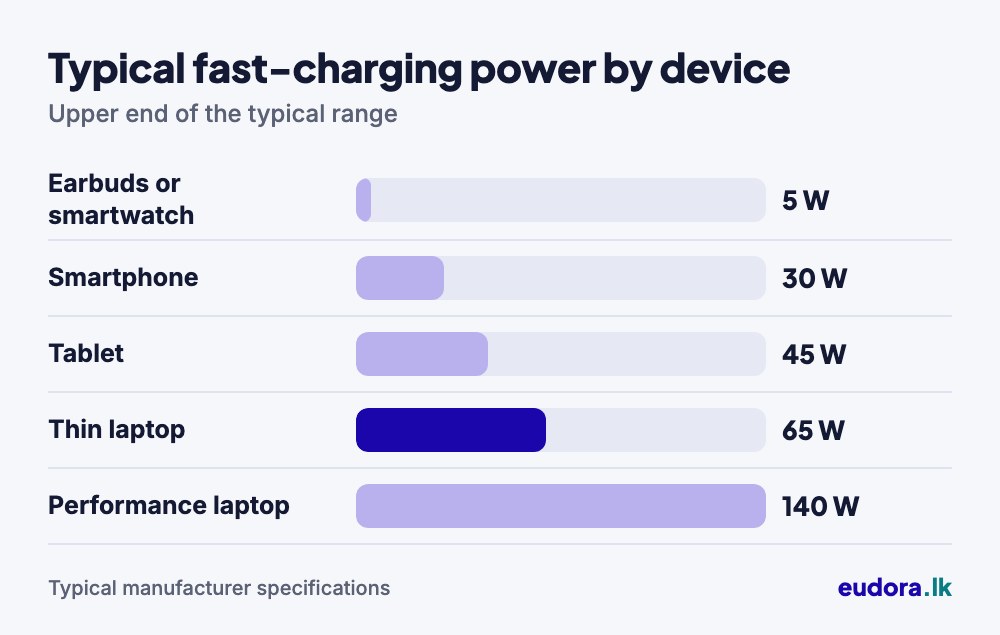
- Phones typically charge fast at 20 to 30W; most thin laptops need 45 to 65W.
- GaN chargers use gallium nitride instead of silicon, so they are smaller and run cooler for the same power.
- The EU’s common charger rules made USB-C mandatory for phones from December 2024 and for most laptops from 28 April 2026, which shapes the devices sold worldwide.
USB-C is a connector; Power Delivery is the language
USB-C is the oval, reversible plug. On its own, it says nothing about how fast a device will charge. The charging speed depends on the charging standard both ends support. The most important one is USB Power Delivery, usually shortened to PD. When you plug in, the charger and the device have a short conversation and agree on a voltage and current: 5 volts for small accessories, 9 volts for a phone fast-charging, up to 20 volts for a laptop.
That negotiation is why a 65W PD charger is safe to use with a phone that only takes 20W. The charger supplies what the device asks for, not its maximum. It also means a laptop can charge from a phone charger, just slowly, as long as both support PD.
| Device | Typical fast-charge power | Suggested charger |
|---|---|---|
| Earbuds, smartwatch | 5W or less | Any USB charger |
| Most smartphones | 20 to 30W | 20W or 30W PD |
| Tablets | 20 to 45W | 30W to 45W PD |
| Thin and light laptops | 45 to 65W | 65W PD |
| Larger performance laptops | 90 to 140W or more | The laptop’s own charger or a high-power PD model |
What GaN changes
Inside every charger, transistors switch electricity on and off thousands of times a second to convert mains power to the voltage your device needs. For decades those transistors were made of silicon. Gallium nitride (GaN) transistors can switch faster and waste less energy as heat. That lets designers use smaller components, so a GaN charger can deliver the same power in a much smaller body, or more power in the same size.
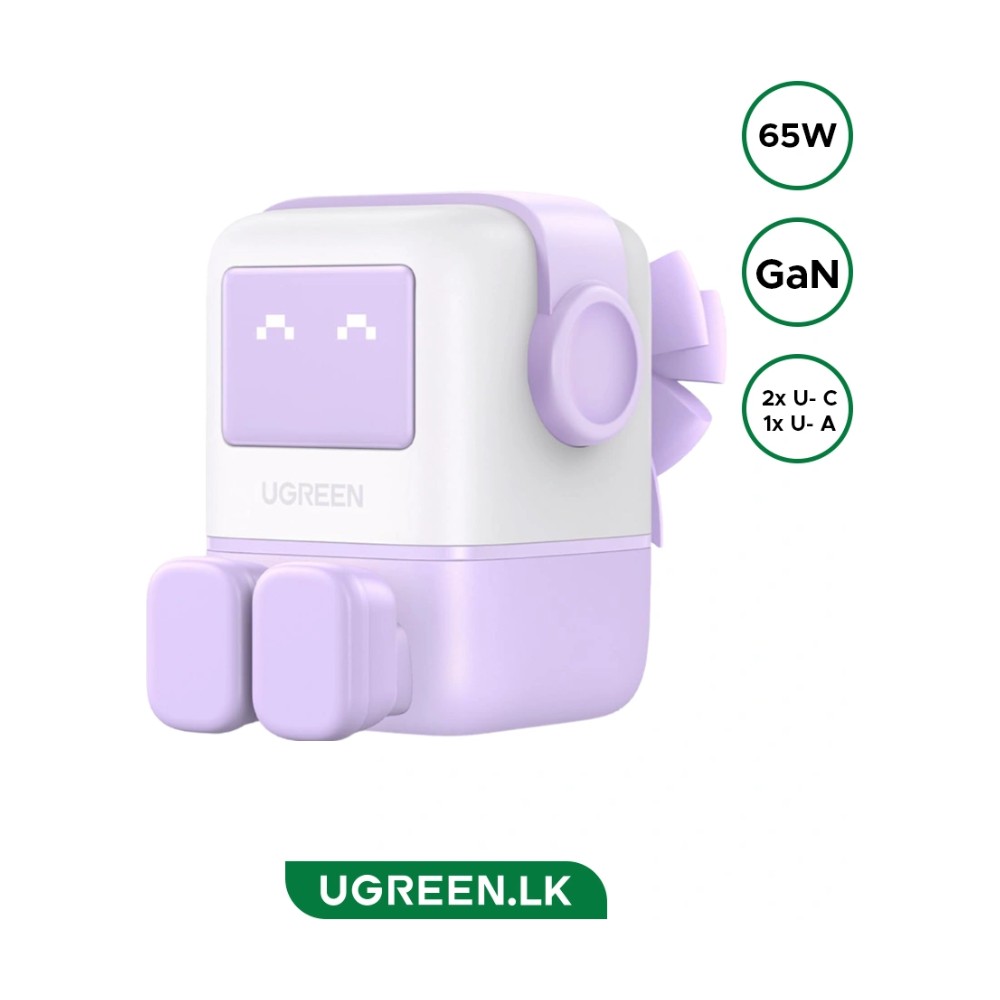
In practice, a 65W GaN charger is about the size of an old phone charger, yet it can run a thin laptop. Multi-port GaN chargers let you charge a laptop and phone together from one wall socket, which is handy where sockets are scarce, such as in older Sri Lankan houses, hotel rooms and offices. When several devices share one charger, the power is split between the ports, so check how the maker divides it.
The cable matters more than people think
A charger can only deliver what the cable allows. Standard USB-C cables carry up to 3 amps, which at 20 volts is 60W. Cables rated for 5 amps carry up to 100W and contain a small chip, called an e-marker, that tells the charger they can handle it. Newer extended power range cables go up to 240W for large laptops.
| Cable type | Maximum power | Use it for |
|---|---|---|
| USB-C, 3A | 60W | Phones, tablets, most thin laptops |
| USB-C, 5A e-marked | 100W | Larger laptops on a 100W charger |
| USB-C, extended power range | 240W | High-power laptops that support it |
| USB-A to USB-C | Usually 15W or less | Slow charging and older chargers |
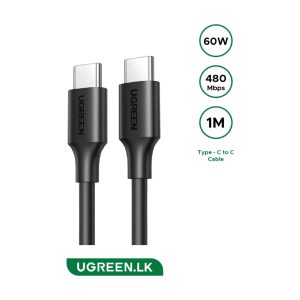
Charging speed and data speed are separate. A cable like the UGREEN US286, rated for 60W charging, only carries data at USB 2.0 speeds, which is fine for charging but slow for copying large files to an external SSD. If you need both, buy a cable rated for USB 3.2 data as well as the wattage you need.
The EU common charger rule and why it reaches Sri Lanka
The European Union’s common charger rules, which amended its Radio Equipment Directive, require USB-C charging on a wide range of devices. Phones, tablets, cameras, headphones, portable speakers and similar devices sold in the EU have needed it since 28 December 2024, and laptops since 28 April 2026, according to the European Commission. Devices that fast-charge must also support USB Power Delivery, and sellers must offer the option of buying a device without a charger in the box.
Sri Lanka does not have the same law, but manufacturers rarely make separate versions for each market. The phones and laptops sold here increasingly follow the same design, which is good news: USB-C chargers and cables bought today will work with tomorrow’s devices. It also means more products arrive without a charger, so a good shared charger is a sensible purchase.
Choosing a charger: a quick guide
- Add up what you charge together. A phone at 20W and a laptop at 45W need a 65W charger to run both at full speed.
- Check for USB PD. It is the universal standard. Brand-specific fast charging may only work with that brand.
- Pick the right plug. Most homes and offices in Sri Lanka use the UK-style three-pin socket. Avoid relying on loose travel adapters for high-power charging.
- Buy a matching cable. Make sure it is rated for the wattage, especially for laptops.
- Choose a reputable brand. Good chargers protect against overheating, over-voltage and short circuits. Cheap unbranded ones may not.
-
 UGREEN
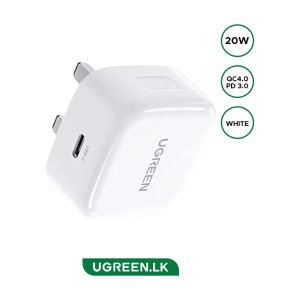
 20W USB-C Fast Charger – UK Plug, White
Rs 4,200 Add to cart -
 UGREEN
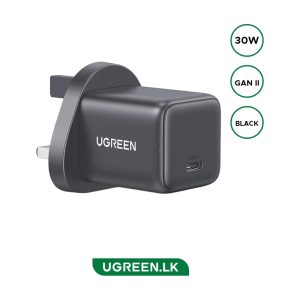
 30W USB-C GaN Fast Charger – UK Plug
Rs 5,200 Add to cart -
 UGREEN
 Uno 65W 3-Port GaN Charger – 2× USB-C, 1× USB-A, UK Plug
Rs 11,000 Add to cart -
 UGREEN
 US286 USB-C to USB-C Cable – 1m, 60W
Rs 2,400 Add to cart
As examples from our range, the UGREEN 20W charger at Rs 4,200 suits phones, the 30W GaN model at Rs 5,200 gives a little headroom for tablets, and the 65W Uno at Rs 11,000 handles a thin laptop and a phone. A 65W charger with a 60W USB-C cable comes to Rs 13,400, a practical single kit for travel.
One charger at the desk
For a home office, a USB-C hub with power pass-through lets one cable from the laptop carry power, a monitor connection and USB ports. Plug the charger into the hub, the hub into the laptop, and you have a simple docking setup. The UGREEN CM195 7-in-1 hub passes through up to 100W and adds HDMI, USB and card readers.
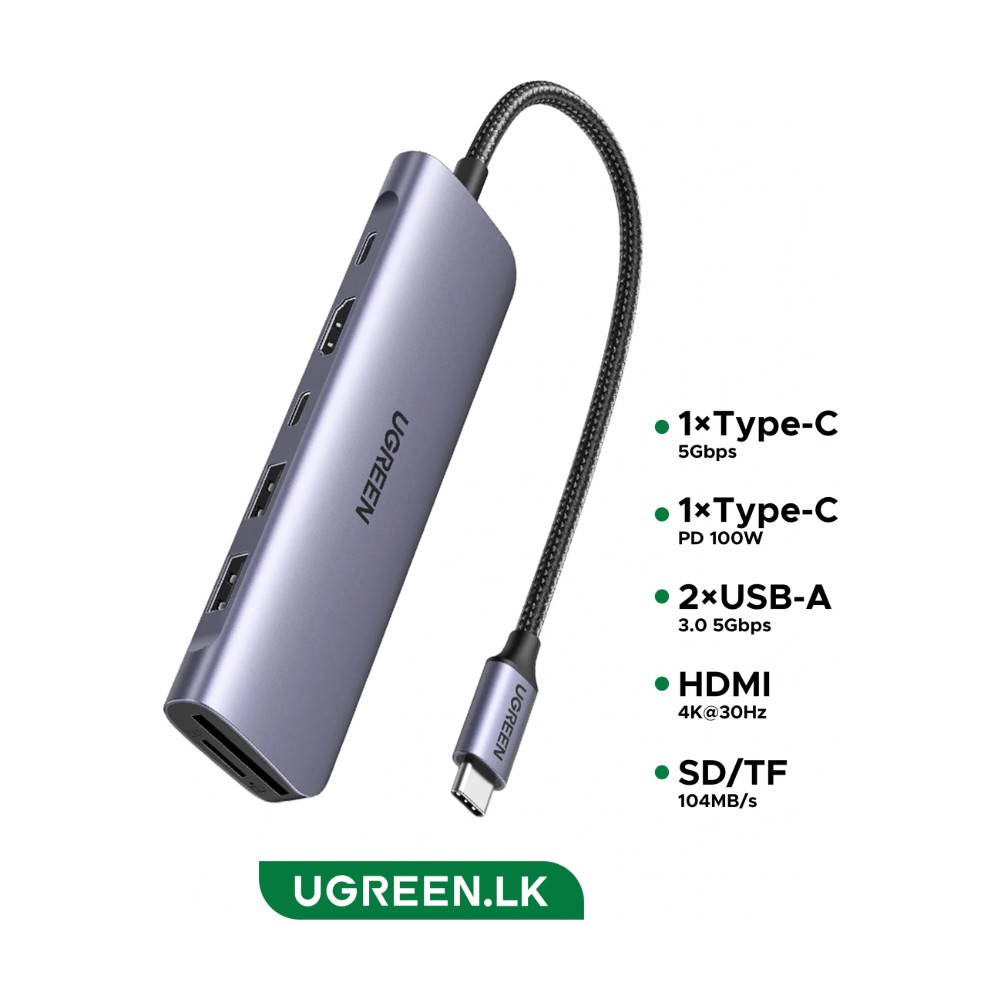
A 65W charger, the CM195 hub and a cable together cost Rs 21,700. Check first that your laptop charges over USB-C and supports display output on that port; our guide to choosing a monitor covers the screen side.
Does fast charging wear out the battery?
It is a common worry. Lithium-ion batteries age faster when they are hot and when they sit at 100% for long periods. Fast charging produces some extra heat, but phones and laptops manage it by charging quickly only while the battery is low and slowing down as it fills. In everyday use, heat from gaming, sunlight on a car dashboard or charging under a pillow does more harm than the charger’s wattage.
Many devices now offer battery protection settings that stop charging at 80% or learn your routine and finish charging just before you usually unplug. If you leave a laptop on the charger all day at a desk, turning on that kind of setting is one of the easiest ways to keep the battery healthy for longer. Keeping devices out of direct sun and off soft surfaces while charging helps too.
Safety and power cuts
Chargers in Sri Lanka face voltage drops, surges and frequent power cuts. A quality charger copes with normal variation, but lightning-related surges can damage anything plugged in. A surge-protected power strip, or a UPS for desktop setups, adds protection; our post on protecting equipment from surges explains the options.
Watch out: A charger that gets very hot, smells of burning, buzzes loudly or has a damaged cable should be replaced, not taped up. Charging phones on beds and sofas also traps heat; charge on a hard surface.
When the power is off, a power bank with USB PD keeps phones and even laptops going; our power bank guide explains capacity and which models can charge a laptop. If you would like help choosing chargers for an office, our IT support team can recommend a set that covers every device you use.
Frequently asked questions
Can I charge my phone with a laptop charger?
Yes, if both use USB-C Power Delivery. The charger only supplies the power the phone asks for, so it is safe.
Can I charge my laptop with a phone charger?
Often, but slowly. A 20W charger may only keep a laptop from draining while you work. Use 45W or 65W for normal charging.
Are GaN chargers safe?
Yes. Reputable GaN chargers include the same protections as silicon ones and often run cooler. Quality of design matters more than the material.
Why does my phone show “slow charging” on a new charger?
Usually the cable is limiting it, the charger does not support the phone’s fast-charge standard, or several devices are sharing the charger’s power.
Do iPhones use USB-C now?
Yes. Apple moved its iPhones to USB-C from the iPhone 15 range onwards, and they fast-charge with USB PD chargers.

Eudora Technology is a Kandy-based team working on CCTV, networks, IT support, cloud and websites for homes and businesses across Sri Lanka.