Most attacks on small businesses are not clever. They start with a reused password, an unpatched computer or a convincing email asking for a payment. A few well-chosen controls stop most of them. We help you put those controls in place without slowing your business down.
How we help
- Security check: we review accounts, two-step verification, updates, antivirus, Wi-Fi, backups and admin access, then give you a prioritised list.
- Firewall and secure network: a business firewall with sensible rules, content filtering and VPN access for remote staff.
- Antivirus deployment: genuine licences installed on every computer, with old or expired software removed.
- Staff awareness: a practical session on phishing, fake payment requests, passwords and safe browsing.
- Data protection readiness: help with the technical steps for Sri Lanka’s Personal Data Protection Act.
Cybersecurity services
Small Business Security Check
Cybersecurity check for up to 10 devices: accounts, MFA, updates, antivirus, Wi-Fi, backups and a written action plan.
- Review of accounts, passwords and MFA
- Device updates and antivirus status
- Wi-Fi and router security
- Backup and recovery check
- Email and phishing protection review
- Prioritised action plan
Firewall & Secure Network Setup
Installation and configuration of a business firewall: rules, VPN for remote staff, content filtering and alerts.
- Firewall installation and rules
- Secure VPN for remote staff
- Web and content filtering
- Separate guest and CCTV networks
- Logging and alerts
Antivirus Deployment
Removal of old security software and installation of a genuine antivirus licence, with scan and settings check.
- Old antivirus removal
- Installation and activation
- Full scan and clean-up
- Automatic update check
Staff Phishing Awareness Session
A practical 90-minute session on phishing, fake payment requests, passwords and safe browsing, with local examples.
- 90-minute on-site or online session
- Real Sri Lankan scam examples
- Password and MFA basics
- What to do after a mistake
- One-page staff checklist
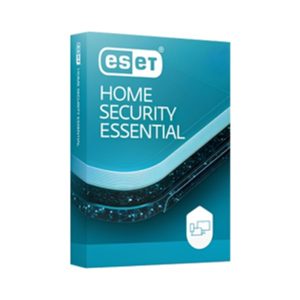
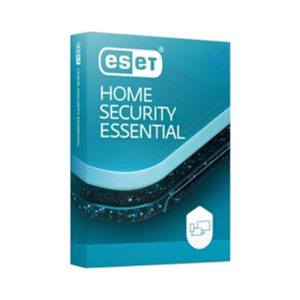
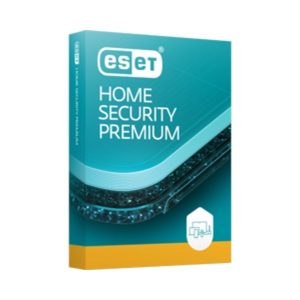
Antivirus and security software

The basics that matter most
- Two-step verification on email, banking and admin accounts.
- Updates for Windows, browsers, routers and cameras.
- Backups with one copy that ransomware cannot reach.
- Least privilege, so staff do not use admin accounts every day.
- A payment check by phone before changing bank details or paying a new supplier.
Our blog covers these steps in more detail for Sri Lankan SMEs, along with current scam warnings.
Why Eudora
- Advice in plain language, with fixes ranked by how much risk they remove.
- One team for your network, computers, email and backups, so security covers everything.
- Genuine security software from authorised distributors, installed and checked on every device.
- Follow-up checks, so the improvements stay in place as your business changes.
Frequently asked questions
We are a small business. Are we really a target?
Yes. Most attacks are automated and look for easy targets of any size. Small businesses are often hit through email scams and weak passwords rather than targeted hacking.
Is free antivirus enough?
Built-in protection such as Microsoft Defender is a reasonable base. Business antivirus adds central management, web protection and support, which helps when you have several computers.
What does the security check include?
A review of up to 10 devices and your key accounts, covering passwords, two-step verification, updates, antivirus, Wi-Fi, backups and admin rights, with a written list of fixes in priority order.
Can you help after a hack or scam?
Yes. Contact us straight away. We help secure accounts, check devices for malware, restore data from backups and advise on reporting the incident.